IPTV Installation Tutorial
We’re the #1 IPTV service in the country, with over 99% signal reliability.
How to setup IPTV on Android with IPTV Smarters Player
Step 1:
Start by downloading IPTV Smarters app through this URL : https://www.iptvsmarters.com/smarters.apk
Step 2:
Open the app once downloaded and Enter the login details
Step 3:
Enter the login details that we have provided you after you get a subscription with us
Now Click on “ADD USER” to proceed to the next section.
Step 4:
Wait some seconds.
Step 5:
Now click on “Live TV” icon as depicted in the image via a red arrow.
Step 6:
Now you must select the channel group that you want to watch and proceed to the next section.
Step 7:
Now you must click on the channel name and then double click on the small screen to turn into full screen as the final step.
✔ Done

How To Setup IPTV On Apple/IOS With IPTV Smarters Player
Step 1:
StartStart by downloading IPTV Smarters app from the Apple Store through this URL :
https://apps.apple.com/smarters-player
or :
you can search for it on App store
install the app on your IOS device.
Step 2:
Open the app once downloaded and Enter the login details.
Step 3:
Enter the login details that we have provided you after you get a subscription with us
Now Click on “ADD USER” to proceed to the next section.
Step 4:
Now click on “Live TV” icon as depicted in the image via a red arrow.
Step 5:
Now you must select the channel group that you want to watch and proceed to the next section.
Step 6:
Now you must click on the channel name and then double click on the small screen to turn into full screen as the final step.
Step 7:
To add EPG no need to add any EPG url, Just click on “Install EPG” .
✔ Done

How To Setup IPTV On SMART TV
Step 1:
You can download SetIPTV / NetIPTV / Smart IPTV from your TV store on Samsung, LG …
Step 2:
After the installation, open the app the you will find MAC Address on screen
Step 3:
Send us the MAC address via Whatsapp/Email/Live Chat
Step 4:
After few minutes, restart/reboot your TV and Open the app
✔ Done
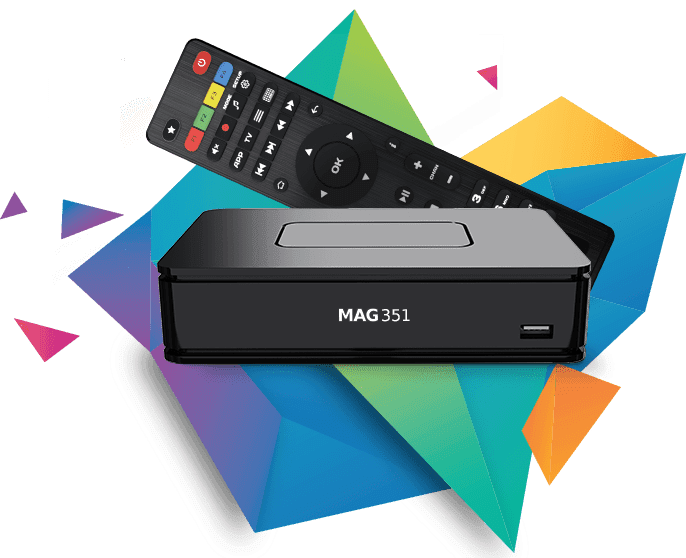
How To Setup IPTV On MAGBOX
Step 1:
Send us the MAC Address of your MAG via Whatsapp/Email/Live Chat
Step 2:
After making the payment, we will send you the portal link
✔ Done